SFR Directory Analytics – for Directorist, GeoDirectory and Business Directory
Description
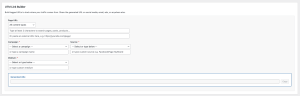
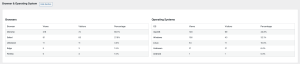
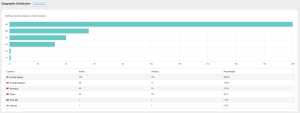
SFR Directory Analytics (Free) provides comprehensive analytics tracking for popular WordPress directory plugins. Understanding which listings attract visitors helps you optimise content, improve user experience, and make data-driven decisions for your directory website.
Track page views for individual listings and categories with beautiful, easy-to-understand dashboards that reveal exactly what your visitors are interested in.
Supported Directory Plugins
- Directorist – Track listings and categories
- GeoDirectory – Monitor place views and category performance
- Business Directory Plugin – Analyse listing and category engagement
Key Features
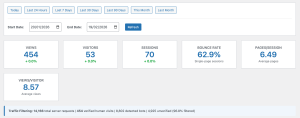
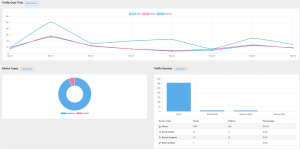
- Beautiful Analytics Dashboard – View your data with colourful charts and graphs
- Real-Time Tracking – Automatic view tracking for listings and categories
- Time Period Analysis – See views for Today, Last 7 Days, Last 30 Days, and All Time
- Visual Charts – Daily, weekly (12 weeks), and monthly (12 months) trend charts
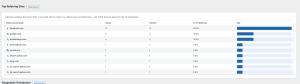
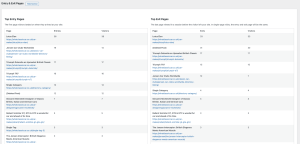
- Top Performers – Identify your most viewed listings and categories
- Privacy-Focused – All data stored locally in your WordPress database
- Multi-Site Ready – Each website installation tracks independently
- Lightweight – Minimal performance impact with efficient database writes
- Cache-Friendly – Compatible with popular caching plugins
Perfect For
- Directory website owners wanting to understand visitor behaviour
- Businesses tracking which listings get the most attention
- Website developers optimising directory performance
- Content creators identifying popular categories
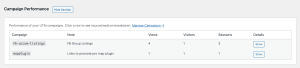
- Marketing teams measuring campaign effectiveness
- Site owners preparing for directory monetisation
Tag
Video