See Through Time – GhostViewer Map GIF & MP4 Video Tool
Description
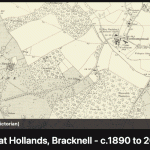
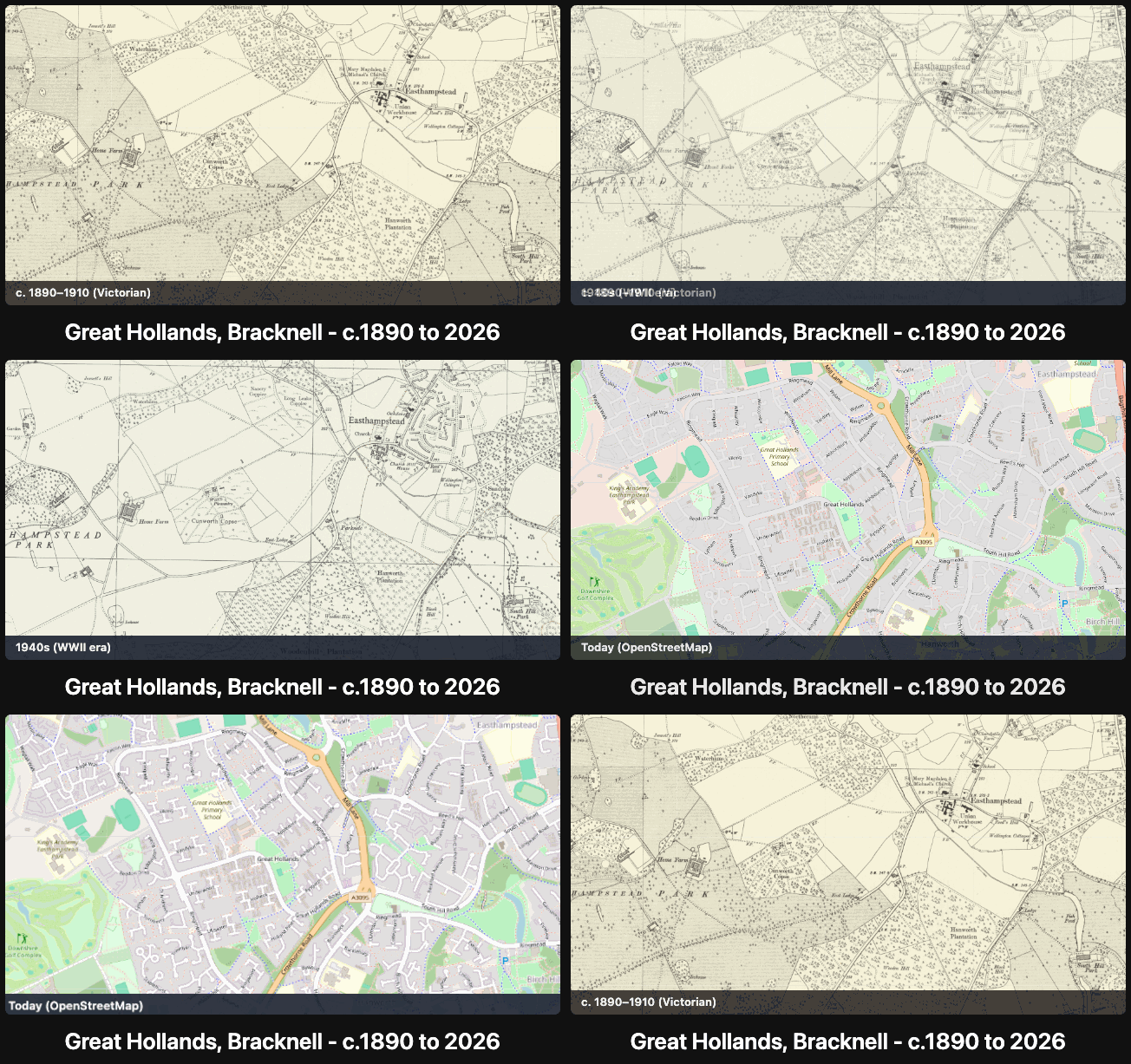
Make a free animated GIF or MP4 video that fades the same map view through three eras: Victorian, WWII and today. It runs in your browser on GhostViewer, with no software to install.
What it does
- Three map eras: Ordnance Survey maps from 1892–1914 (25 inch or six inch where available), the WWII-era 1940s map, and a modern map. Historic layers come from the National Library of Scotland.
- Two outputs: an animated GIF (standard or HD) and an MP4 video, which is usually the smaller file.
- Four shapes: landscape, square, portrait 4:5, or portrait 9:16 for YouTube Shorts and Reels.
- Era labels: show or hide the date captions.
How to use it
- Open the See Through Time map tool on GhostViewer.
- Pan and zoom to your town, street or landmark.
- Choose the shape and labels, then create your GIF and MP4.
- Want a title, border or music? Take the MP4 into Media Framer.
Read the user guide, or browse the archive of map animations others have made.
Tag
Video